
Shirts, Blouses — Plain — filters by parameters
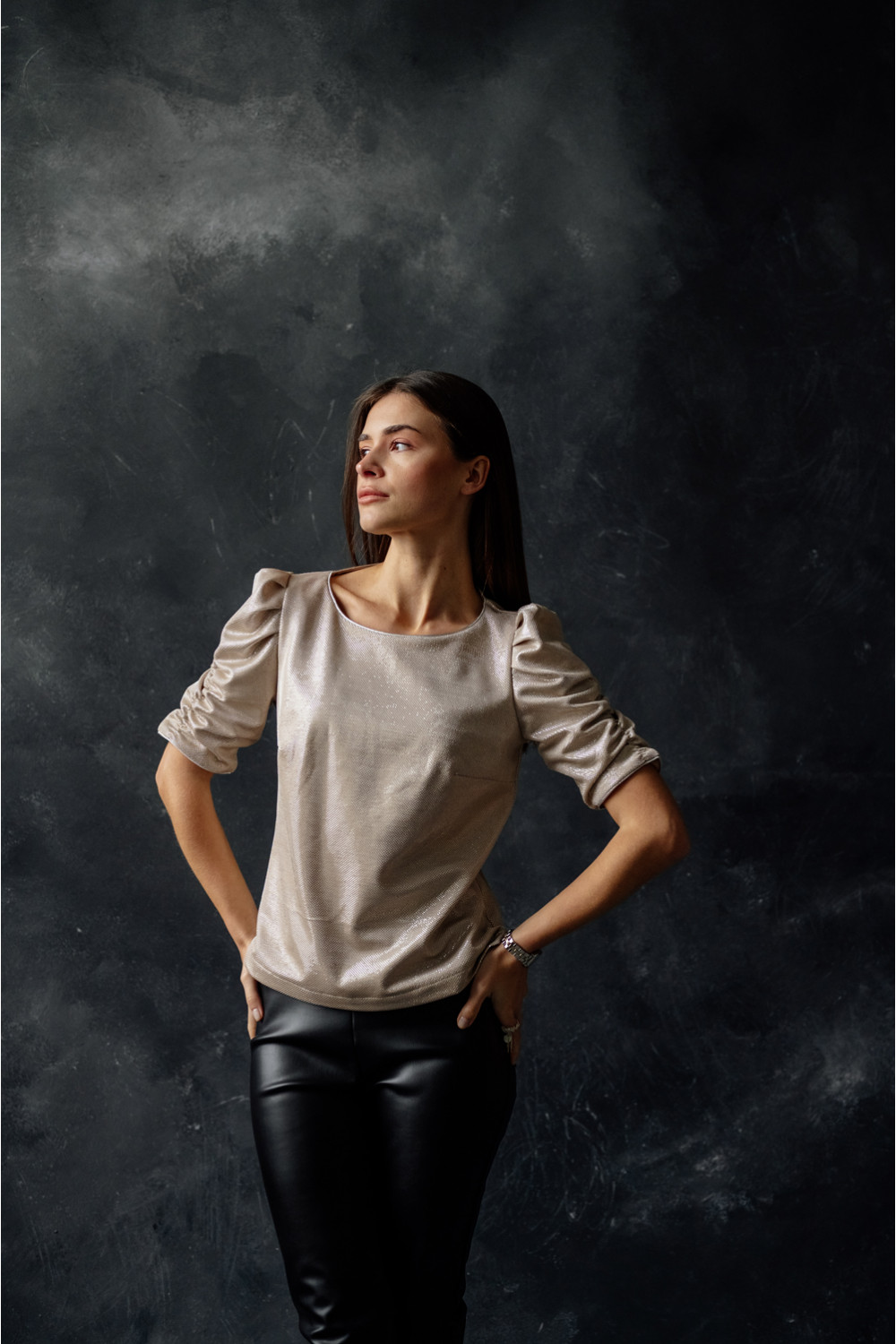
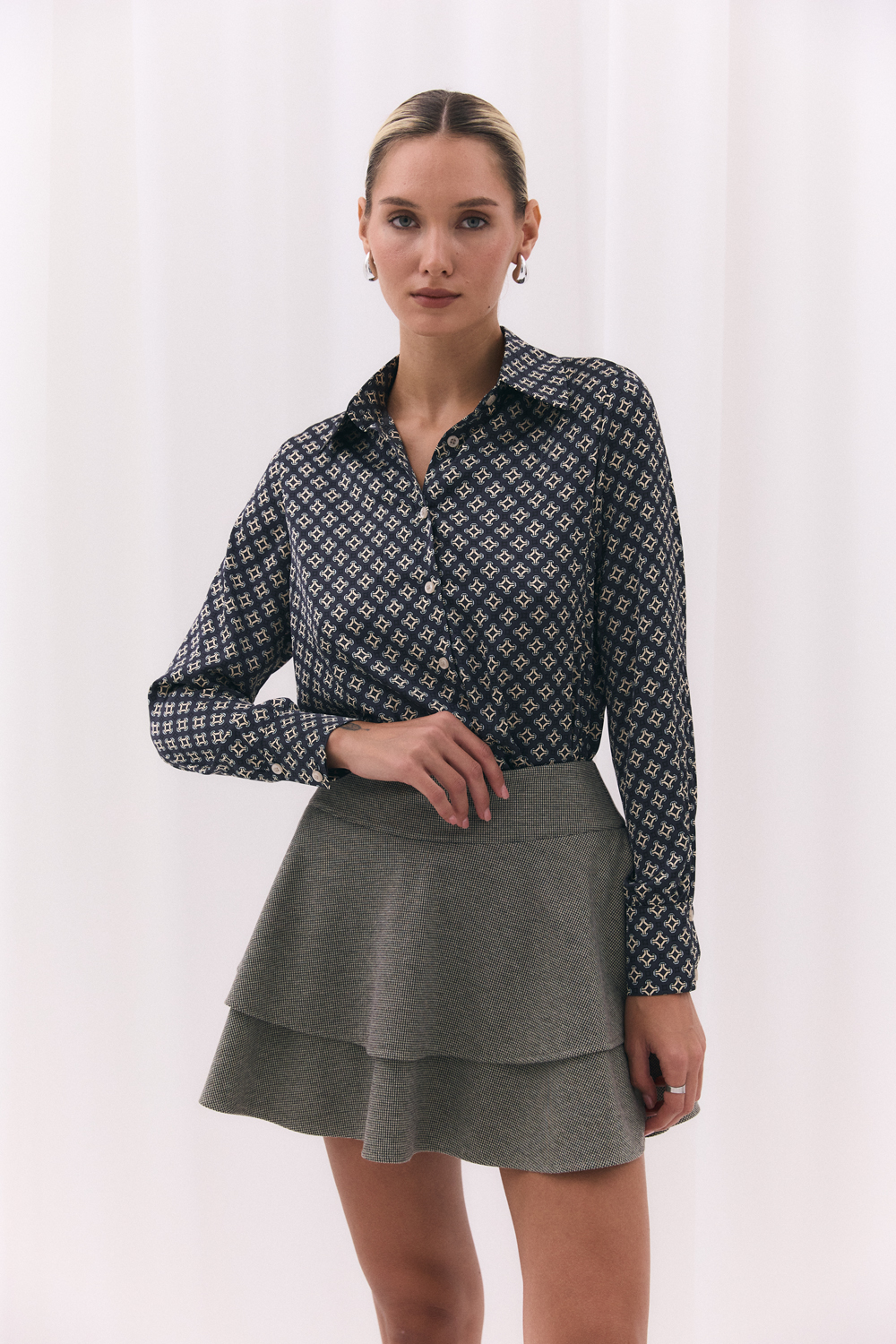
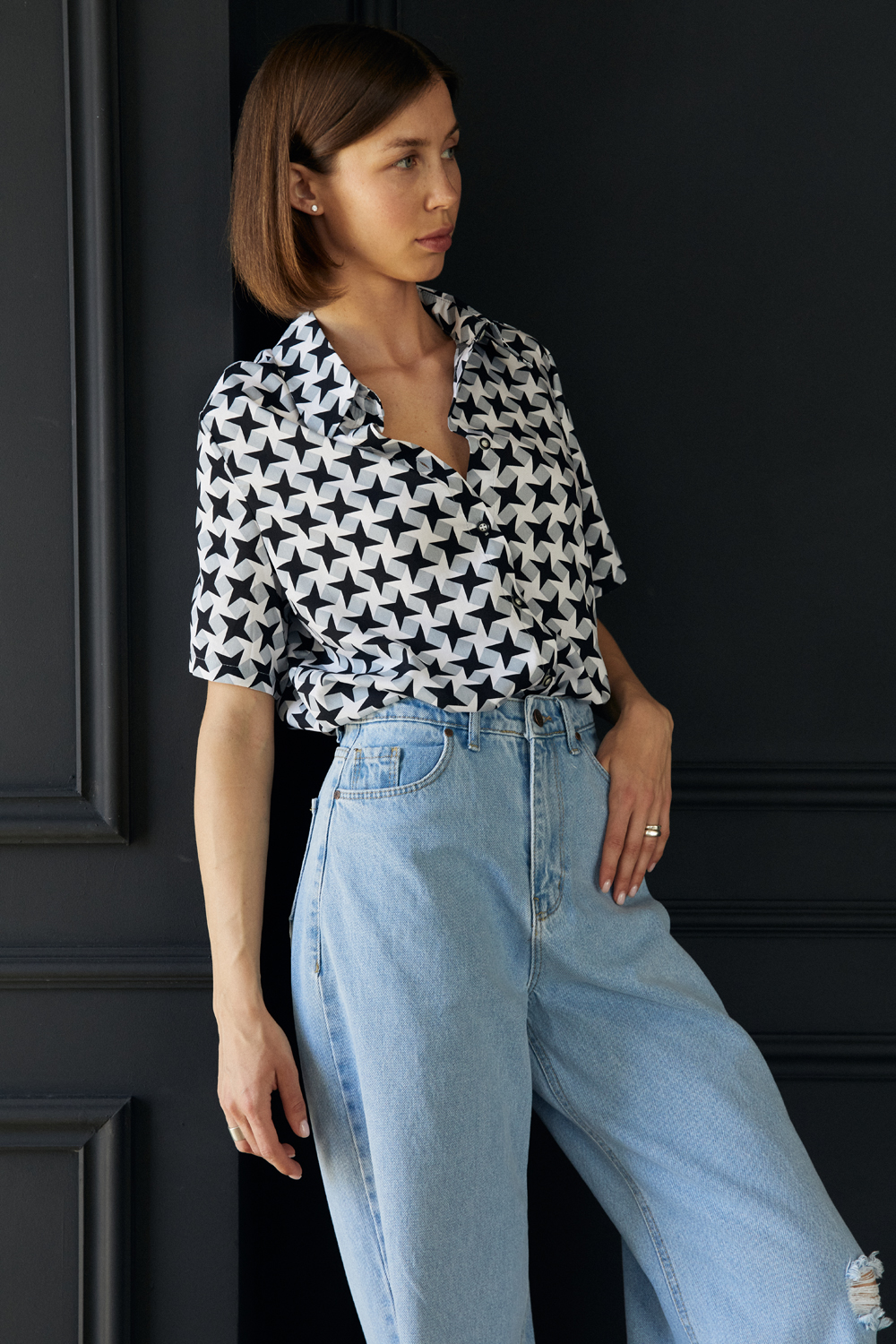
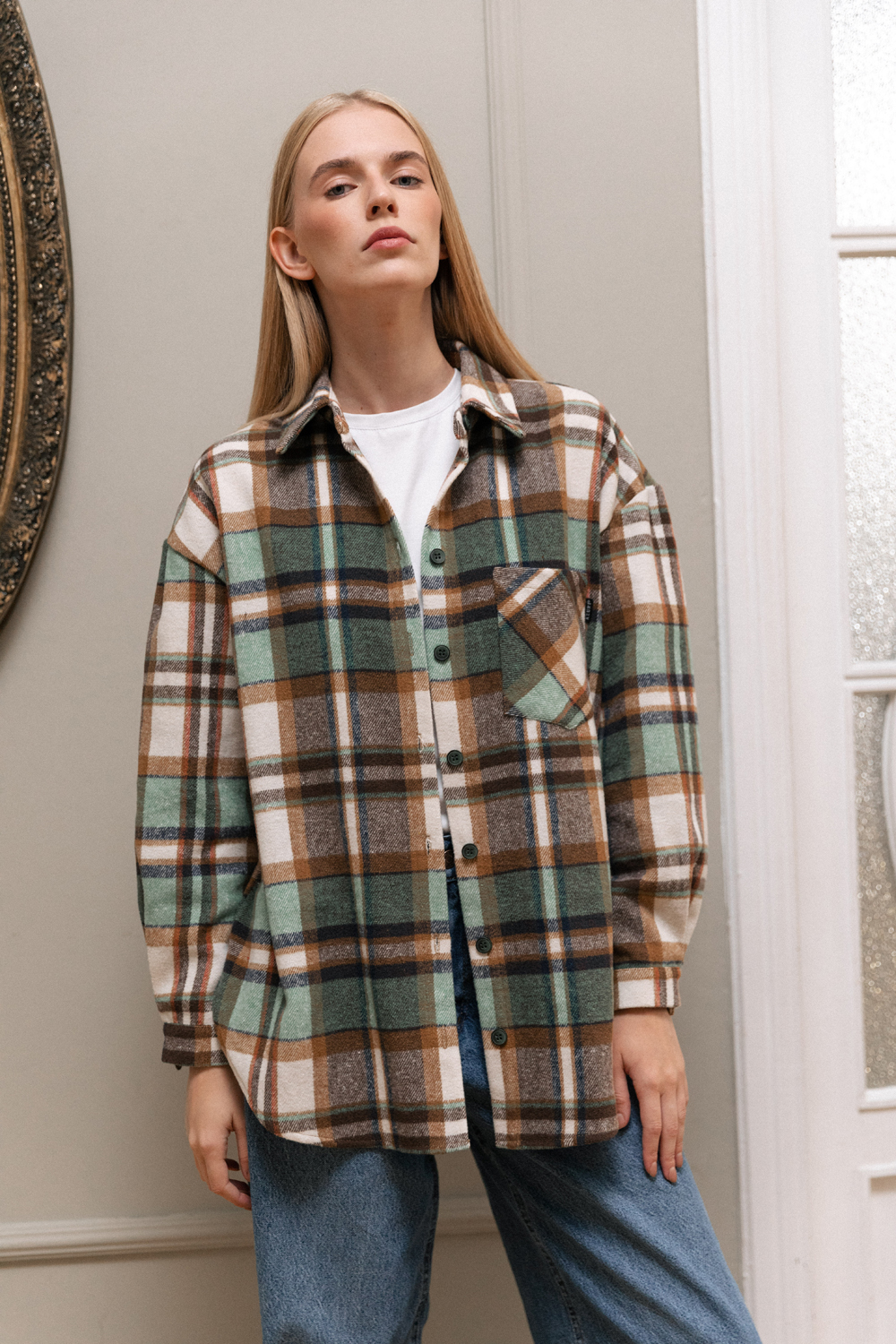
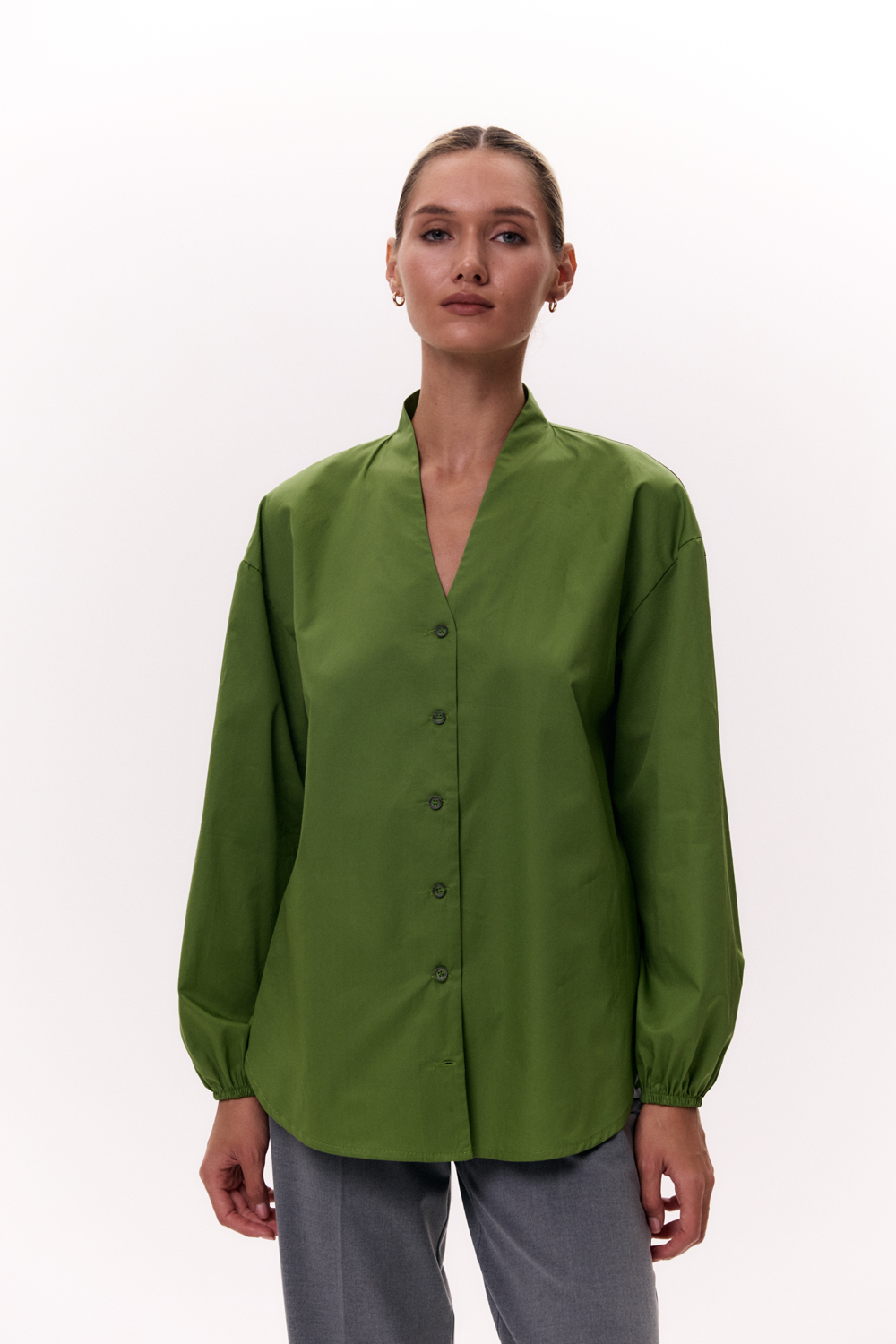
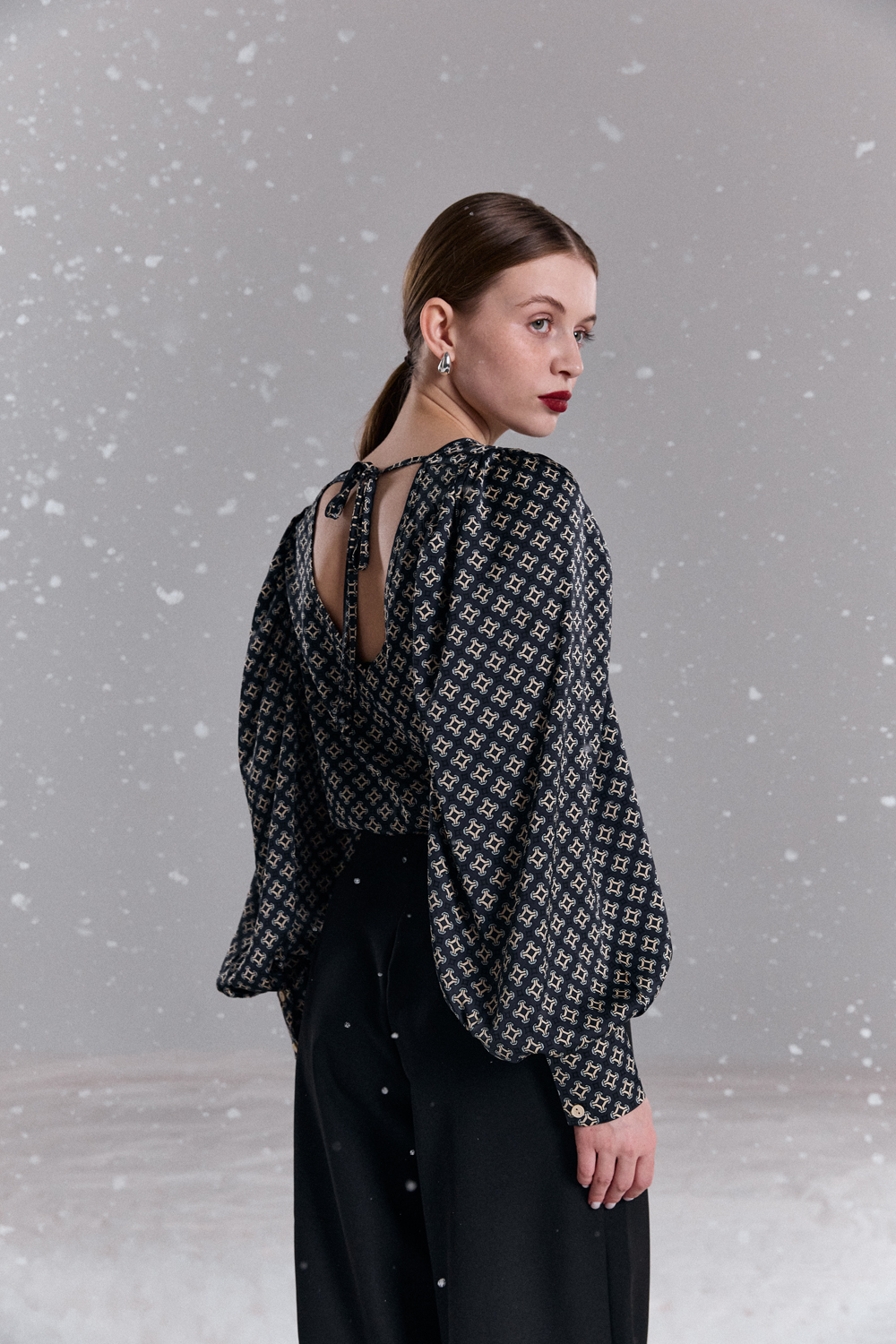
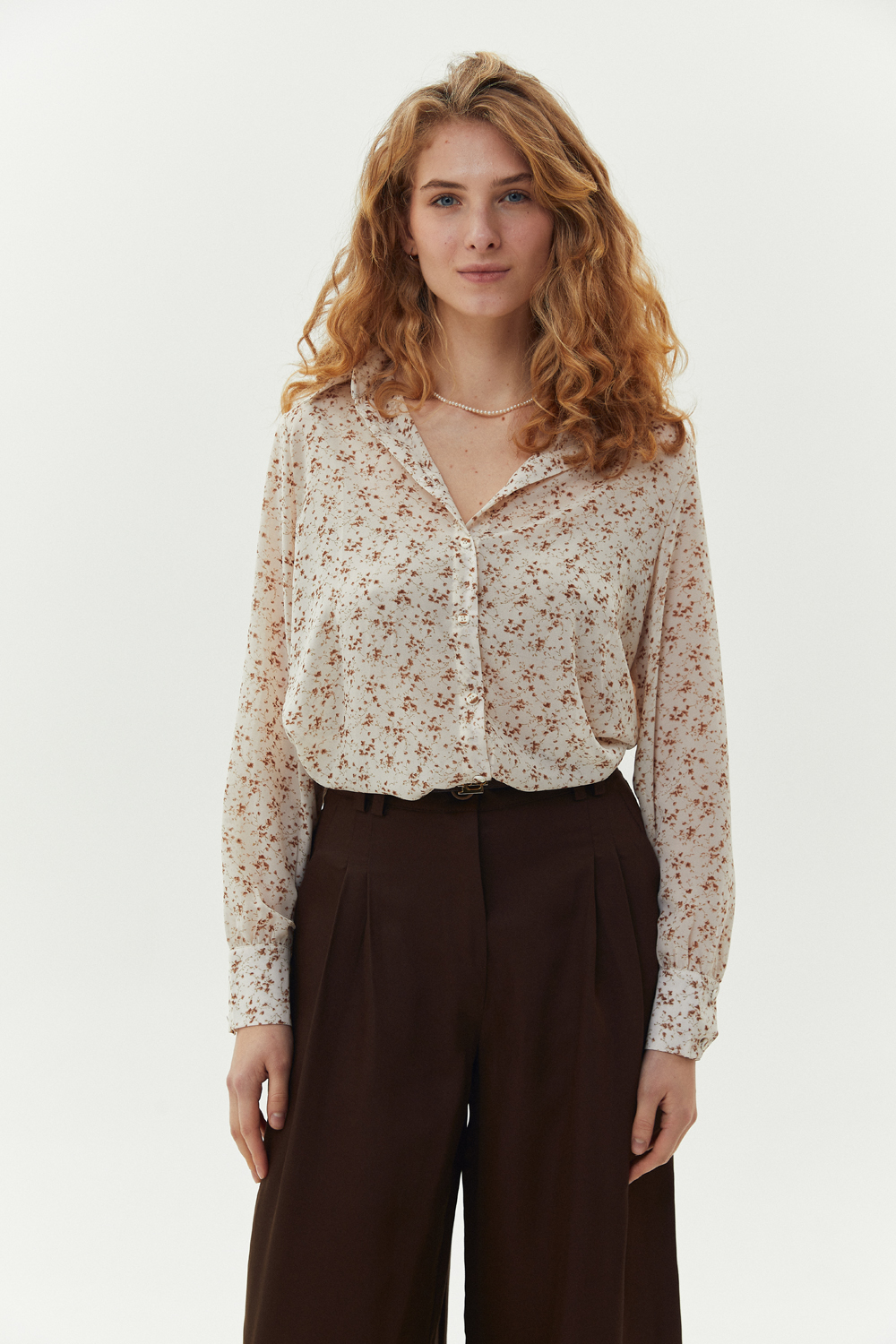
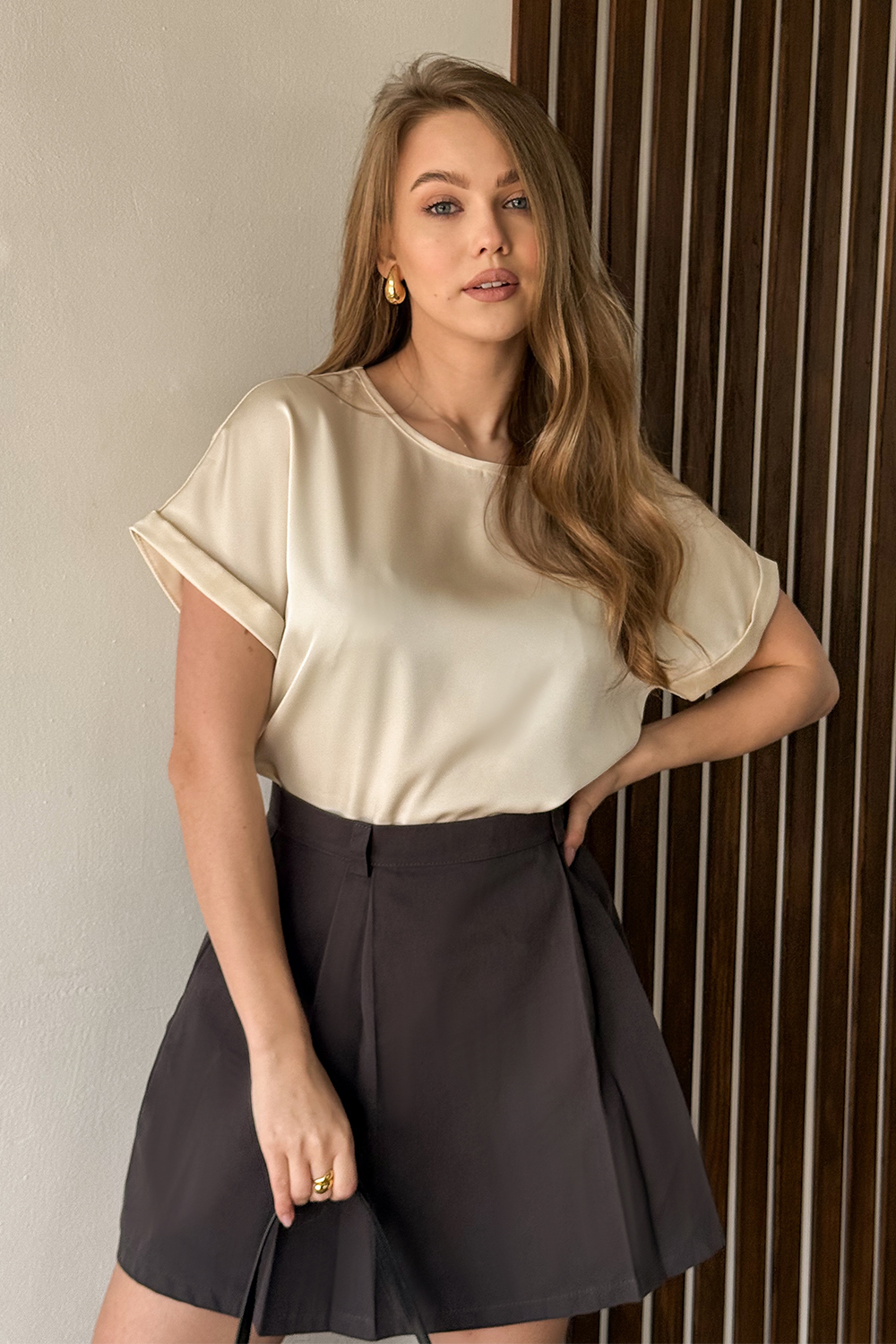
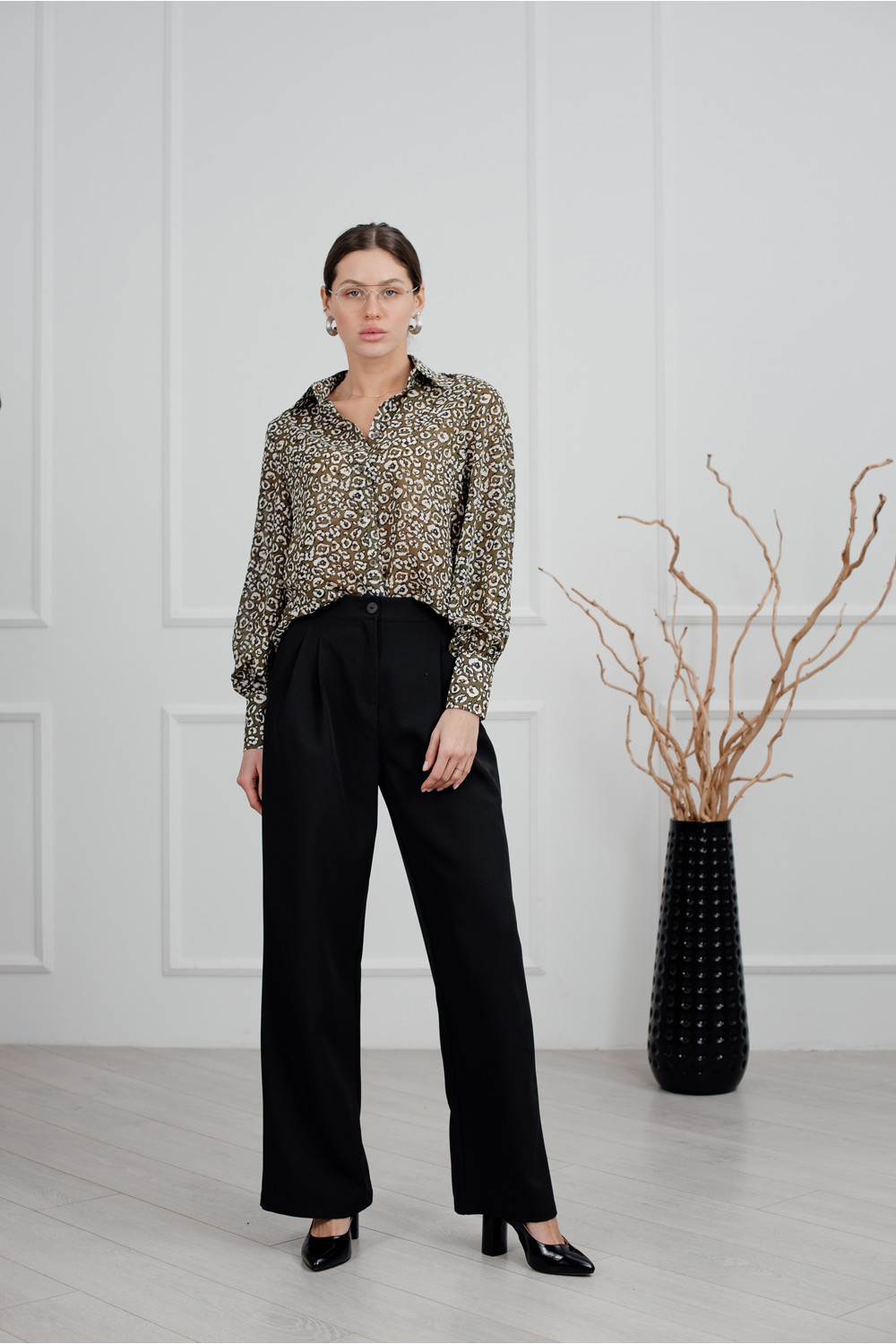
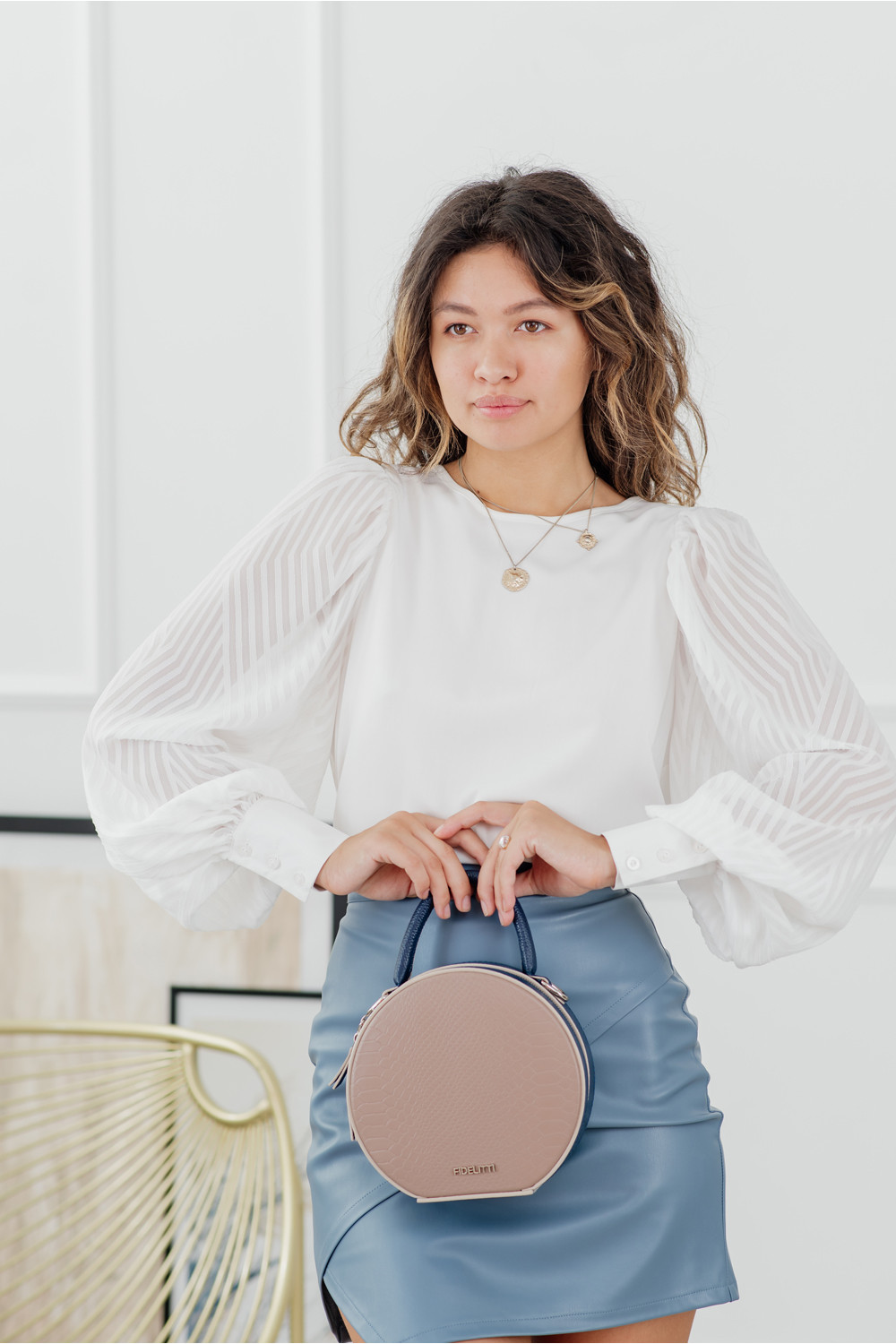
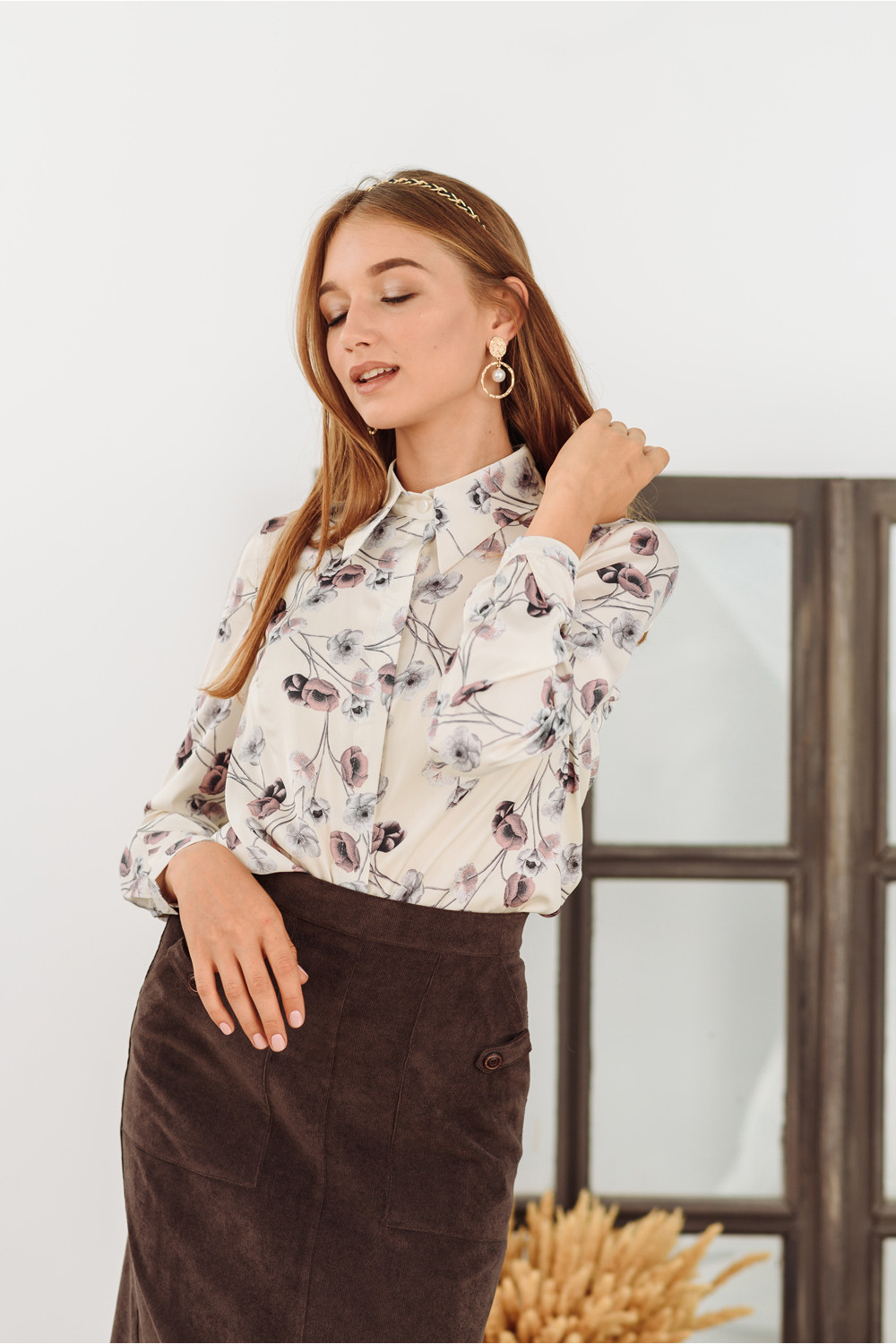
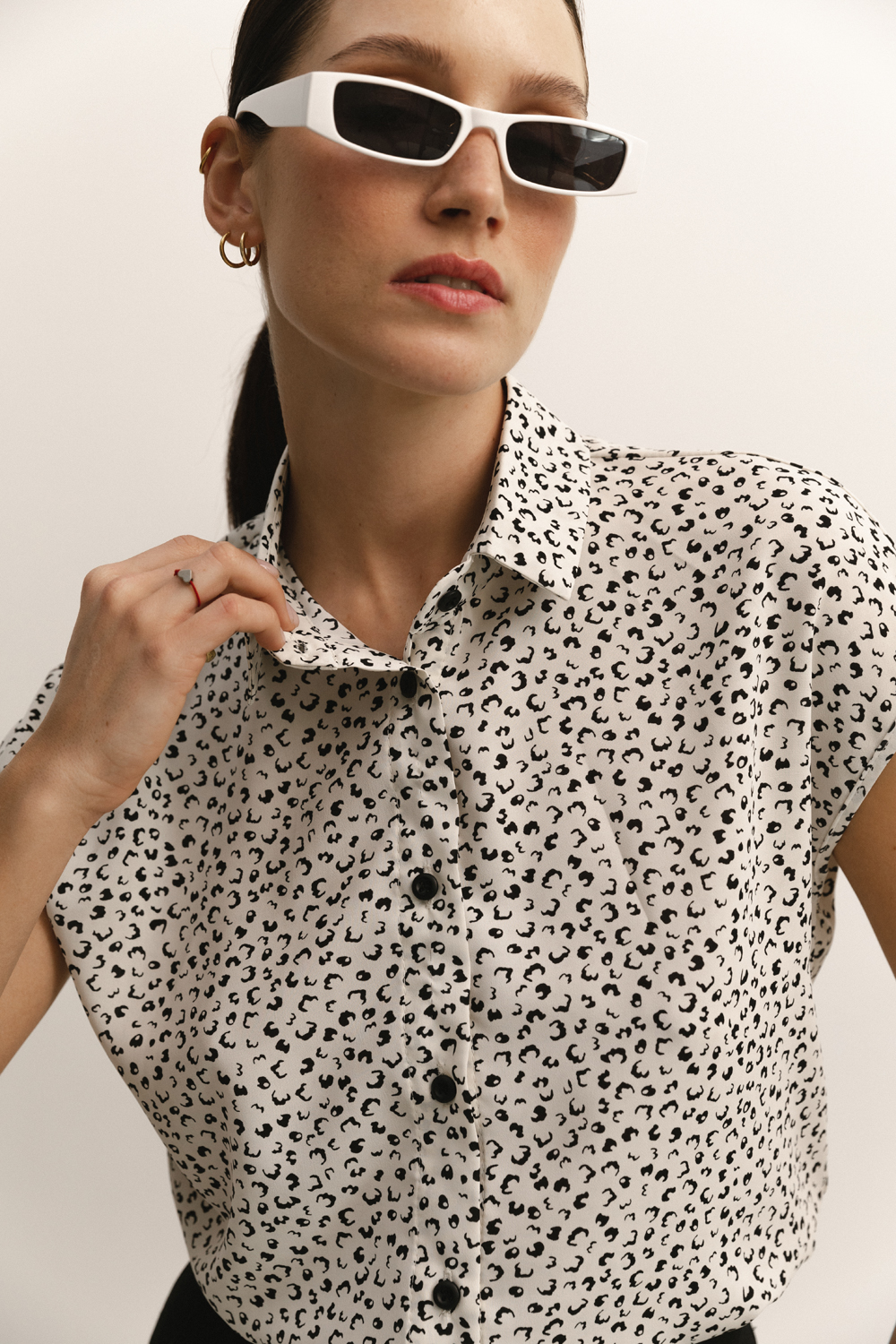
Shirts, Blouses — Plain — selections and filters Azuri
Shirts, Blouses — Plain helps you navigate the assortment by style and season. It’s a good place to compare proportions, length and fit across options.
For a fast shortlist, pick one key parameter first: length, fit or texture. After that, refine color, season and style to keep the selection focused.
How to choose
In Shirts, Blouses — Plain, the key decisions are about sleeves, neckline and shoulder line. Use Short sleeve, Shirts, Blouses and Blouses as reference points to compare proportions quickly.
- Fit: check movement comfort and where the garment sits on the waist and shoulders.
- Fabric: weight and texture define seasonality and how the piece holds its shape.
- Details: sleeves, necklines, closures and finishing shift the overall mood.
How to style
Build the look like a set: add a layer from Accessories or Trousers, then finish with accents from Suits, Blazers. If the piece is bold, keep the rest calmer.
- Shoes: the same silhouette can read sharp on heels or relaxed on flats.
- Accessories: one clear accent works better than many small ones at once.
- Layering: a second layer adds texture and depth, especially in-between seasons.
Filters
Filters save time: start with color and material, then refine style and season. Open Long sleeve and Short sleeve as references, then compare with Shirts, Blouses.
- Color: treat it as the mood of the outfit — from base to accent.
- Material: texture affects drape, structure and how the piece feels to wear.
- Style & season: refine the context and temperature needs to keep the selection practical.