
Accessories — catalog selection with filters by parameters
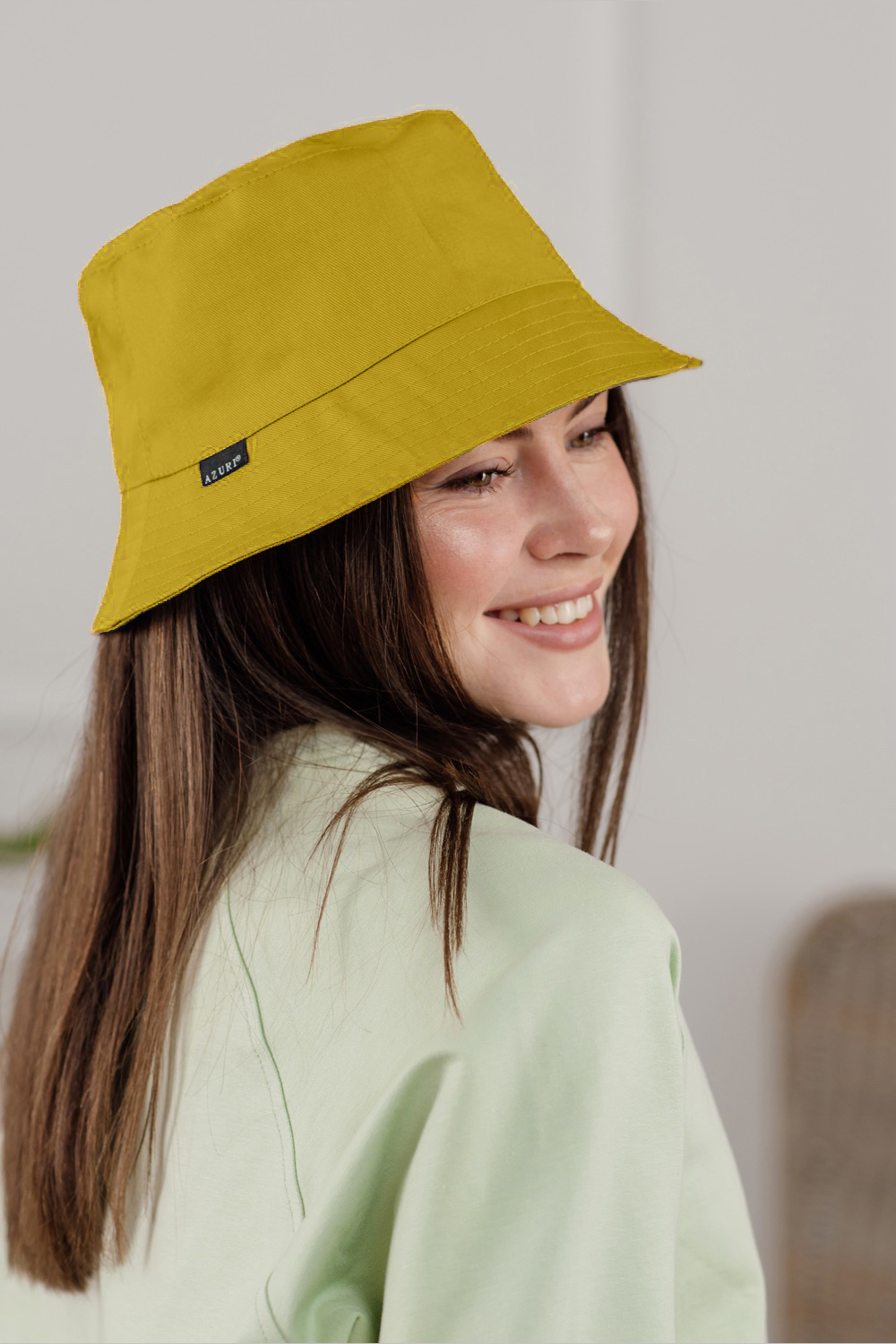
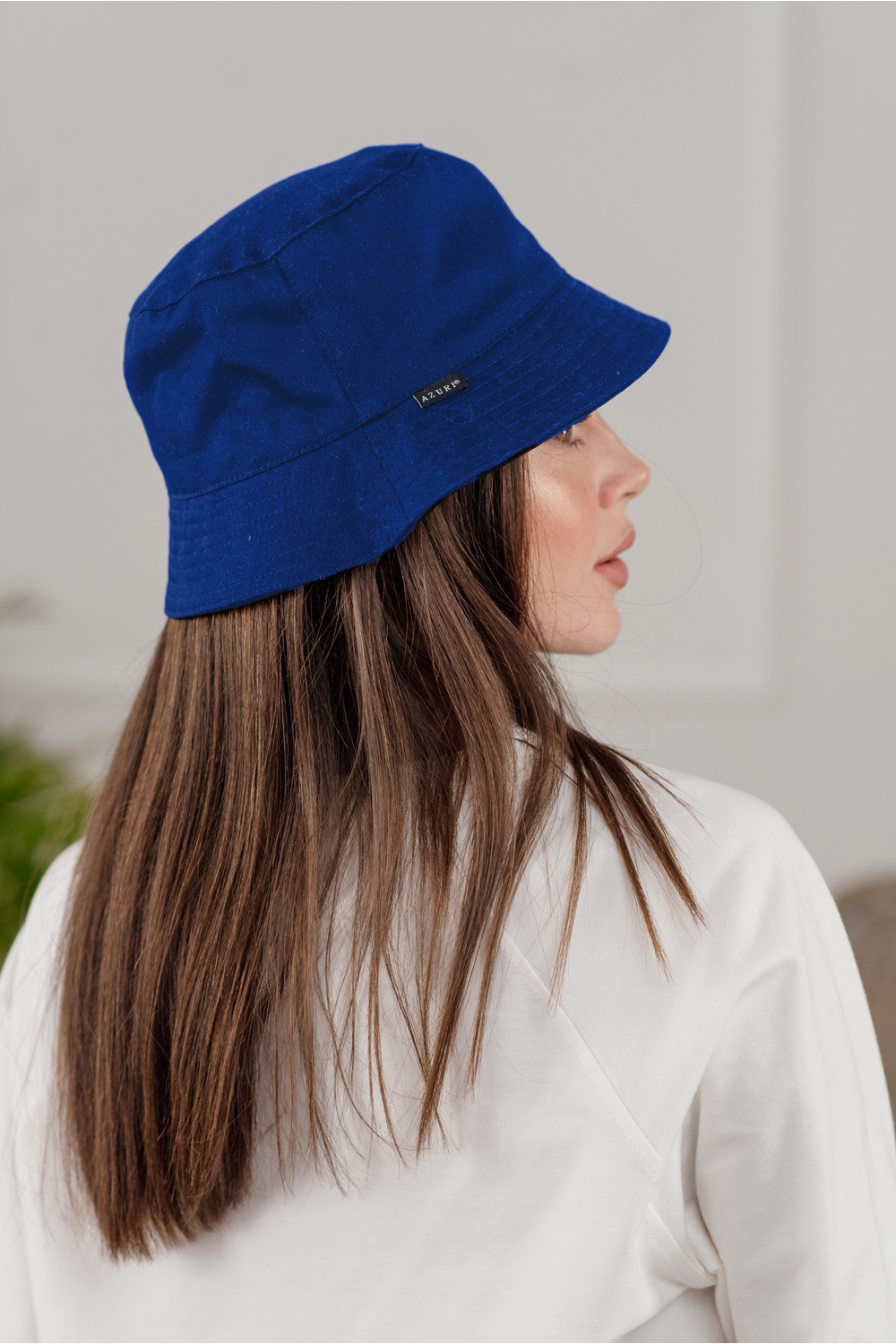
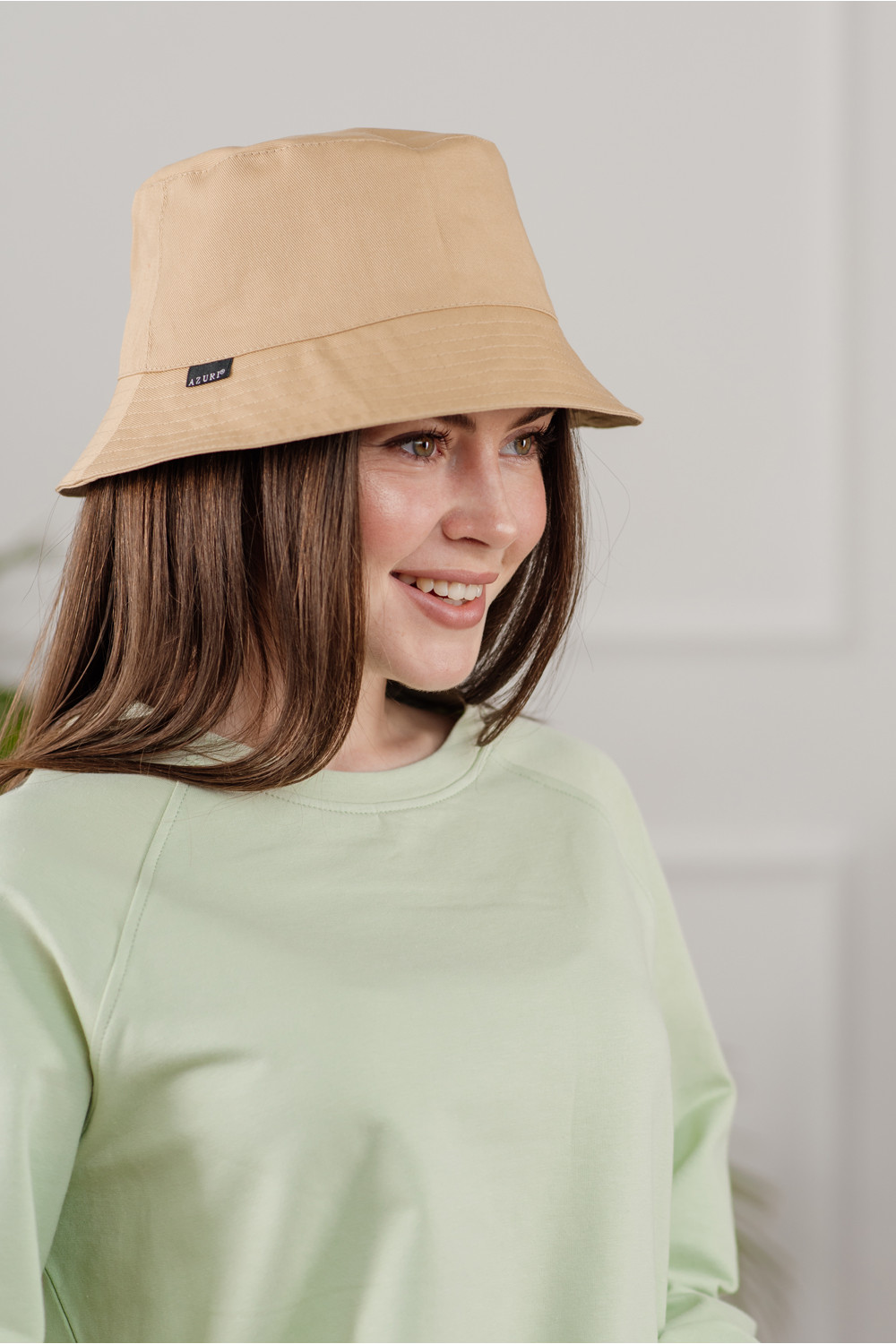

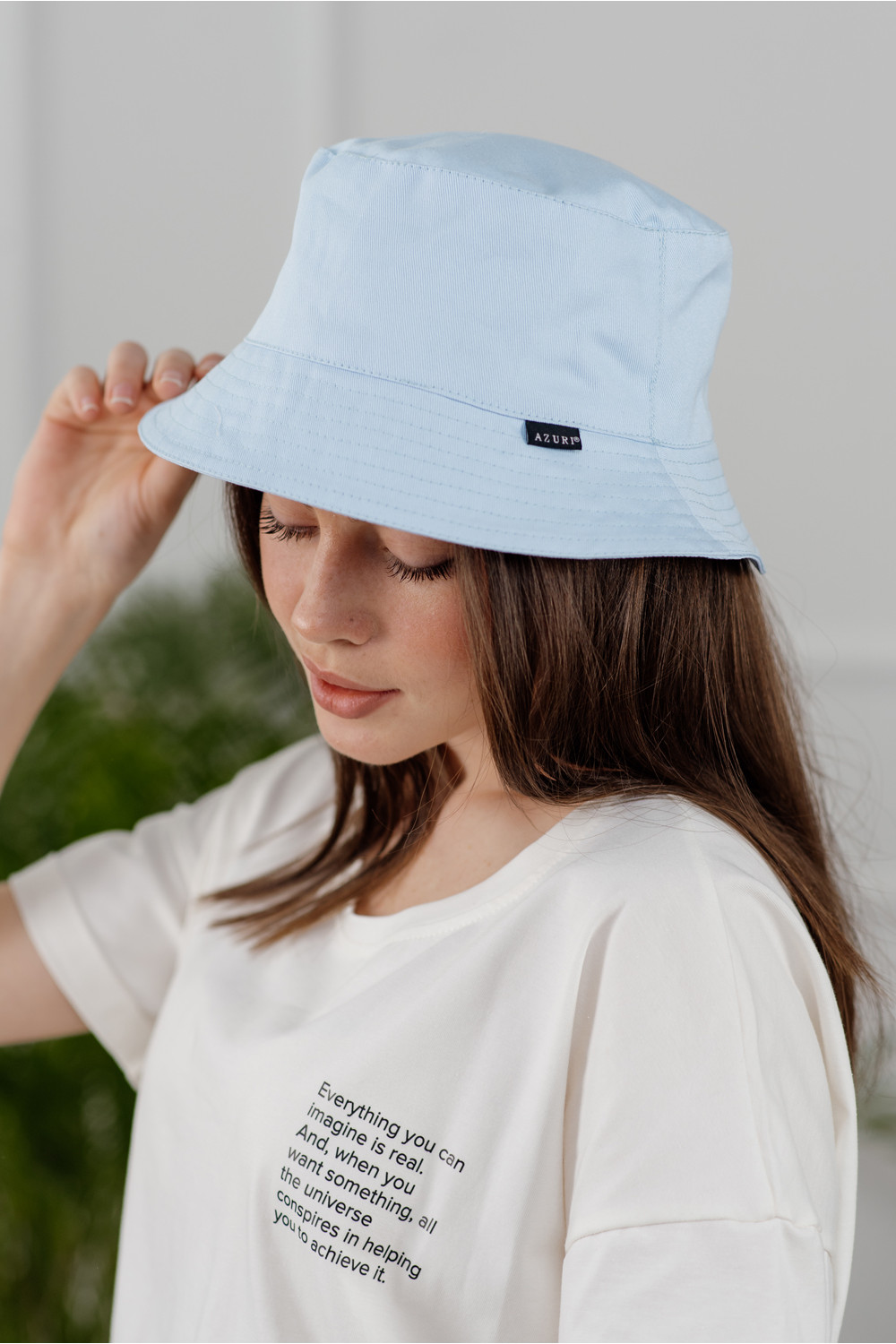
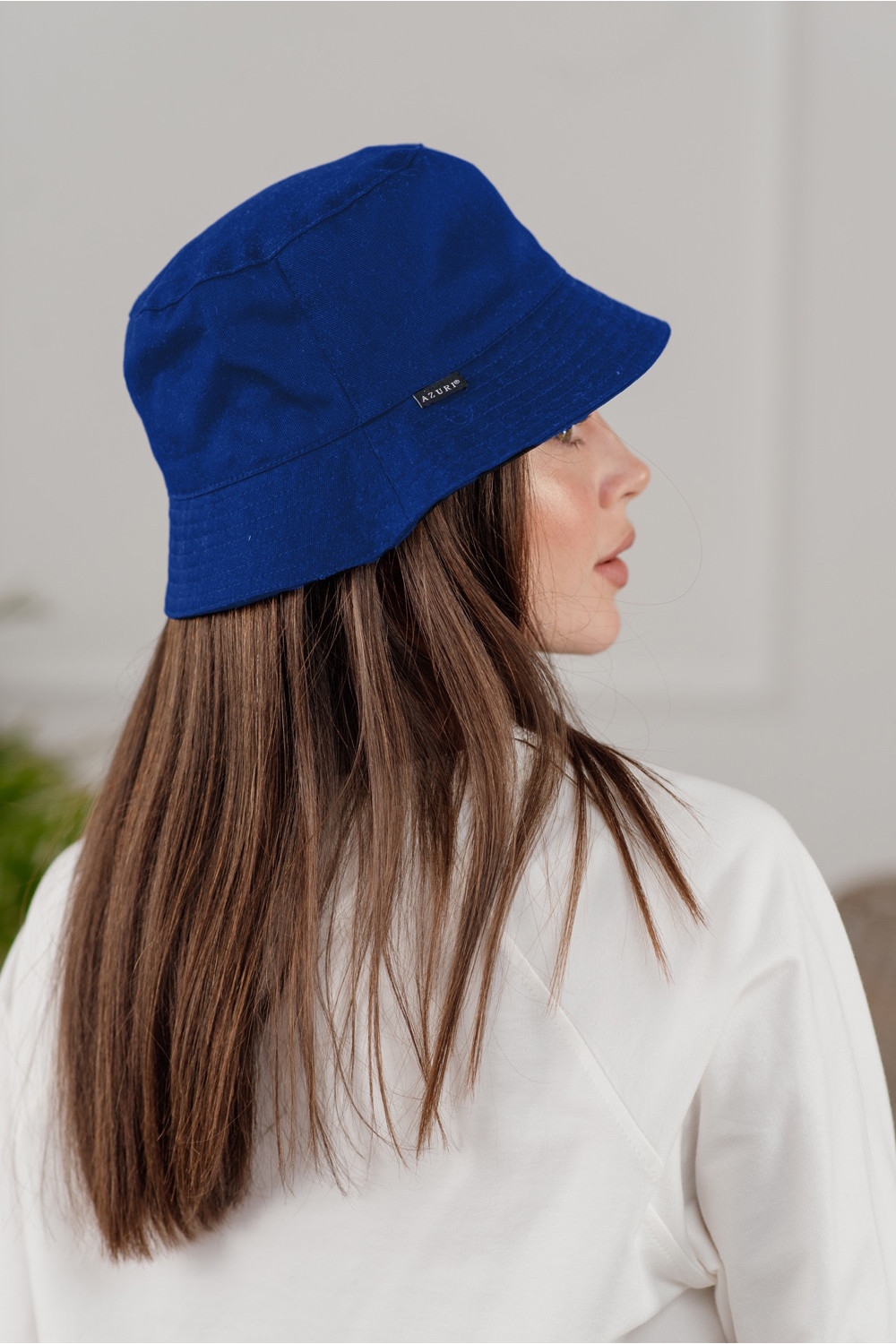
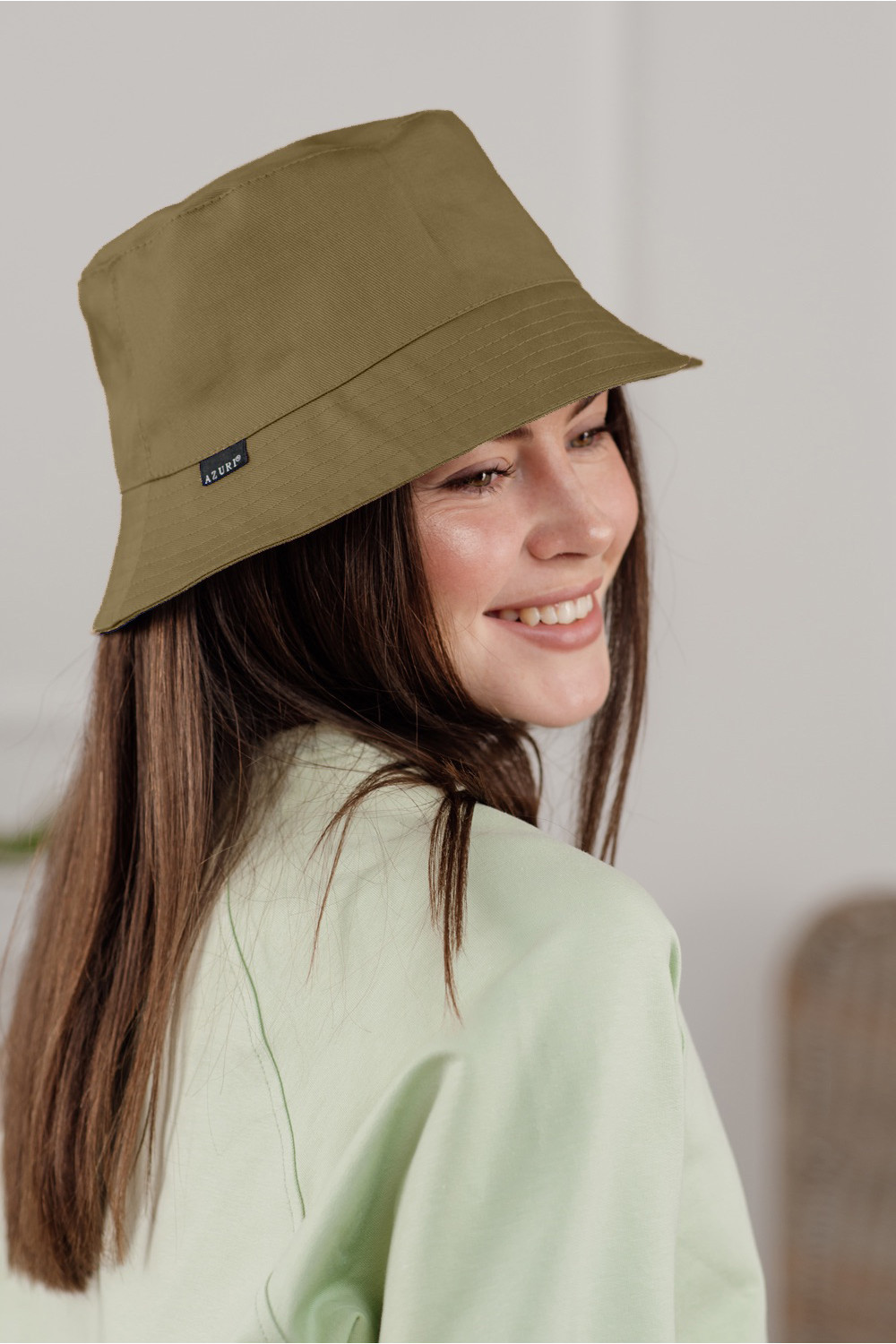
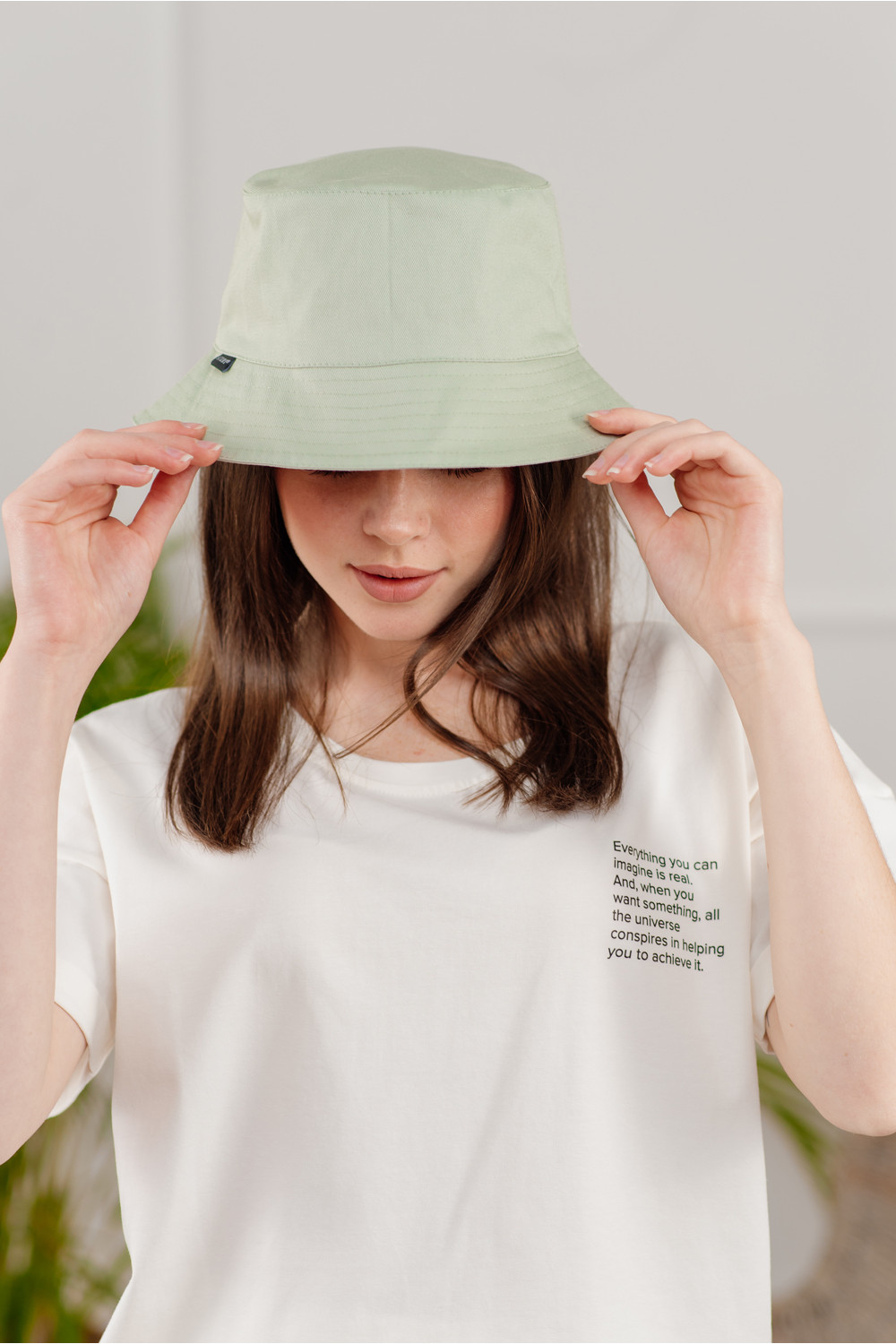
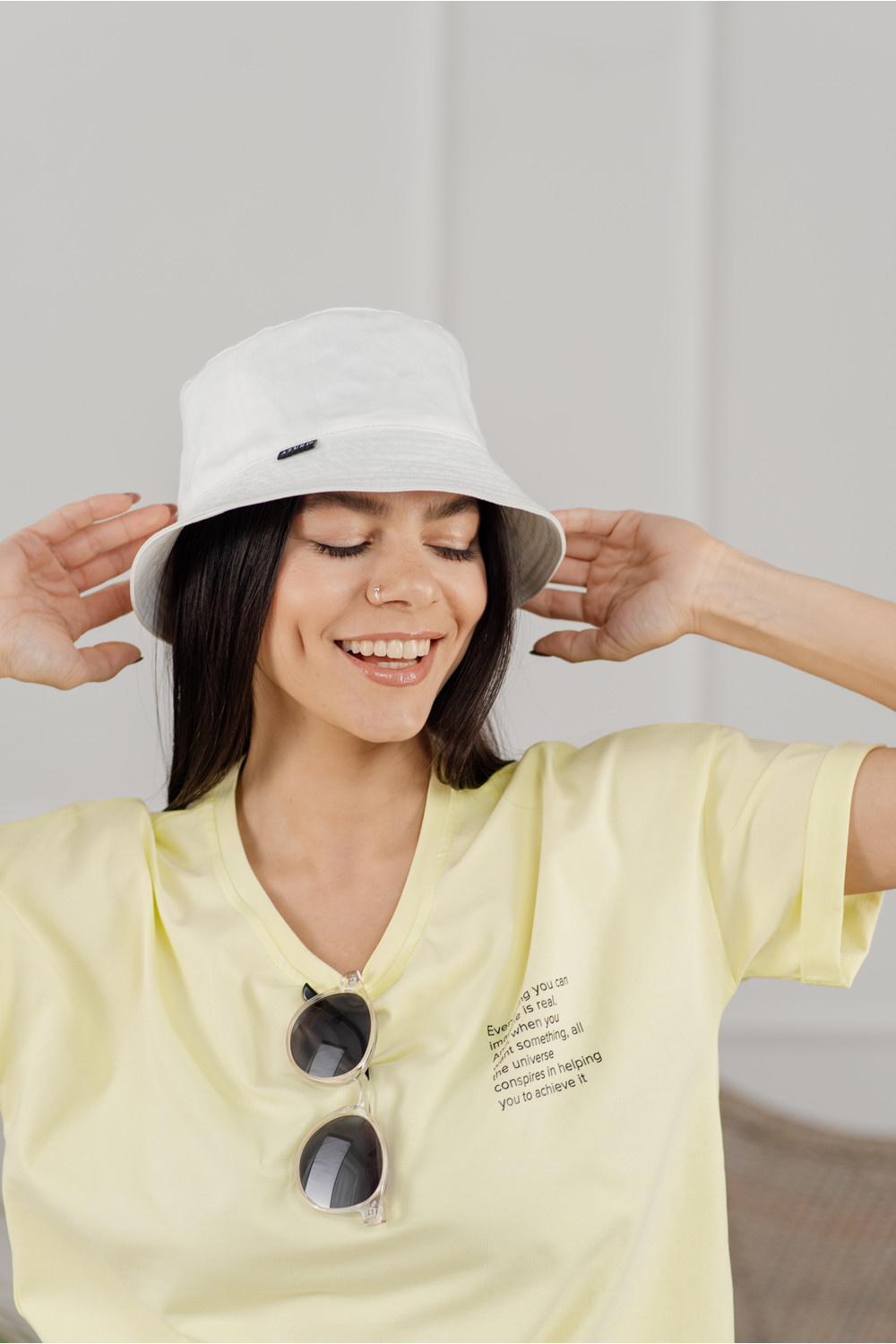
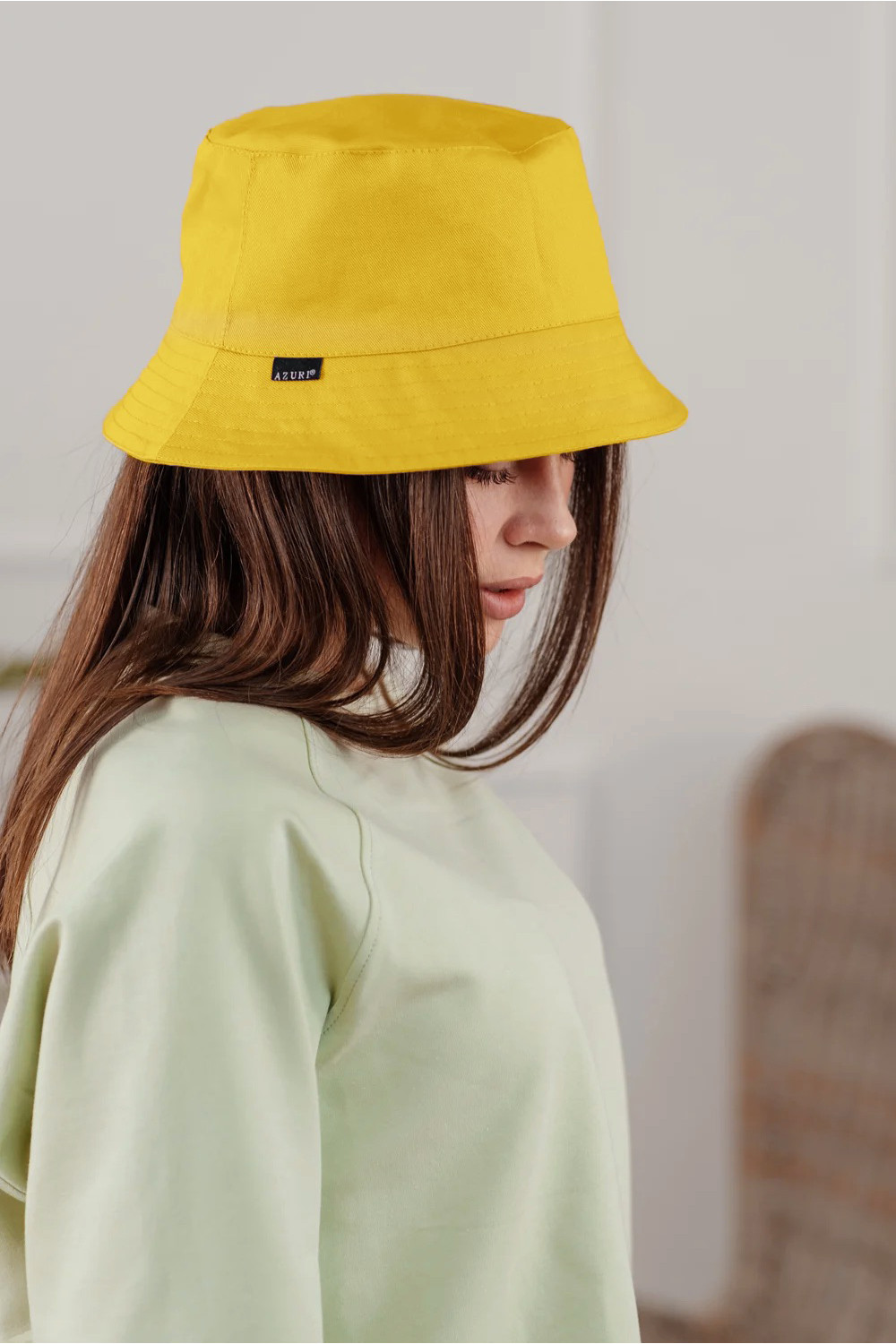
Accessories — catalog: color, material, style Azuri
Accessories is a section where it’s easier to choose by fit and mood, not just by occasion. Compare silhouettes and lengths first, then refine the details.
For a fast shortlist, pick one key parameter first: length, fit or texture. After that, refine color, season and style to keep the selection focused.
How to choose
Inside Accessories, start with shape and only then zoom in on details. Compare Headwear, Catalog and New to see how fit and length change the silhouette.
- Fit: check movement comfort and where the garment sits on the waist and shoulders.
- Fabric: weight and texture define seasonality and how the piece holds its shape.
- Details: sleeves, necklines, closures and finishing shift the overall mood.
How to style
Build the look like a set: add a layer from Dresses, Jumpsuits or Shirts, Blouses, then finish with accents from Outerwear. If the piece is bold, keep the rest calmer.
- Shoes: the same silhouette can read sharp on heels or relaxed on flats.
- Accessories: one clear accent works better than many small ones at once.
- Layering: a second layer adds texture and depth, especially in-between seasons.
Filters
Use filters as a route: pick one base parameter first (color/material), then narrow by style and season. Start with Headwear or Catalog, then switch to New.
- Color: treat it as the mood of the outfit — from base to accent.
- Material: texture affects drape, structure and how the piece feels to wear.
- Style & season: refine the context and temperature needs to keep the selection practical.